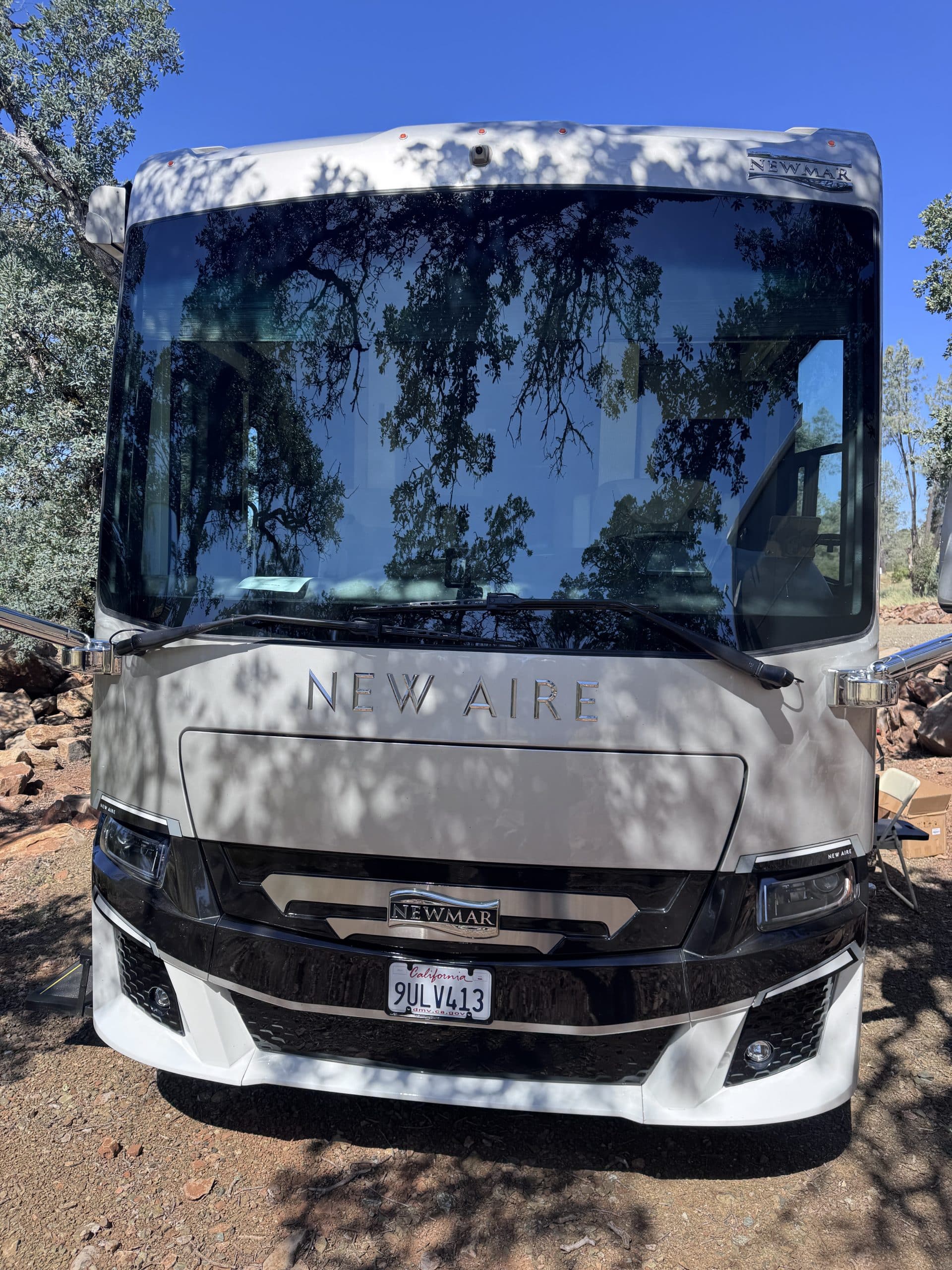
Newmar New Aire 3543
System Schematic
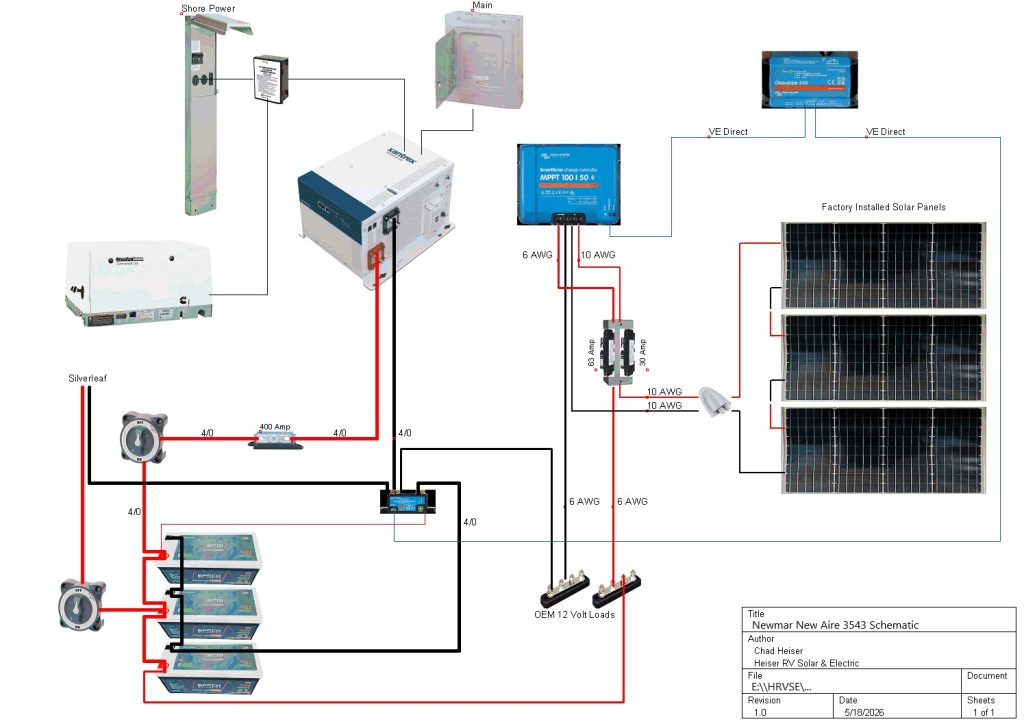
Basic Parts List
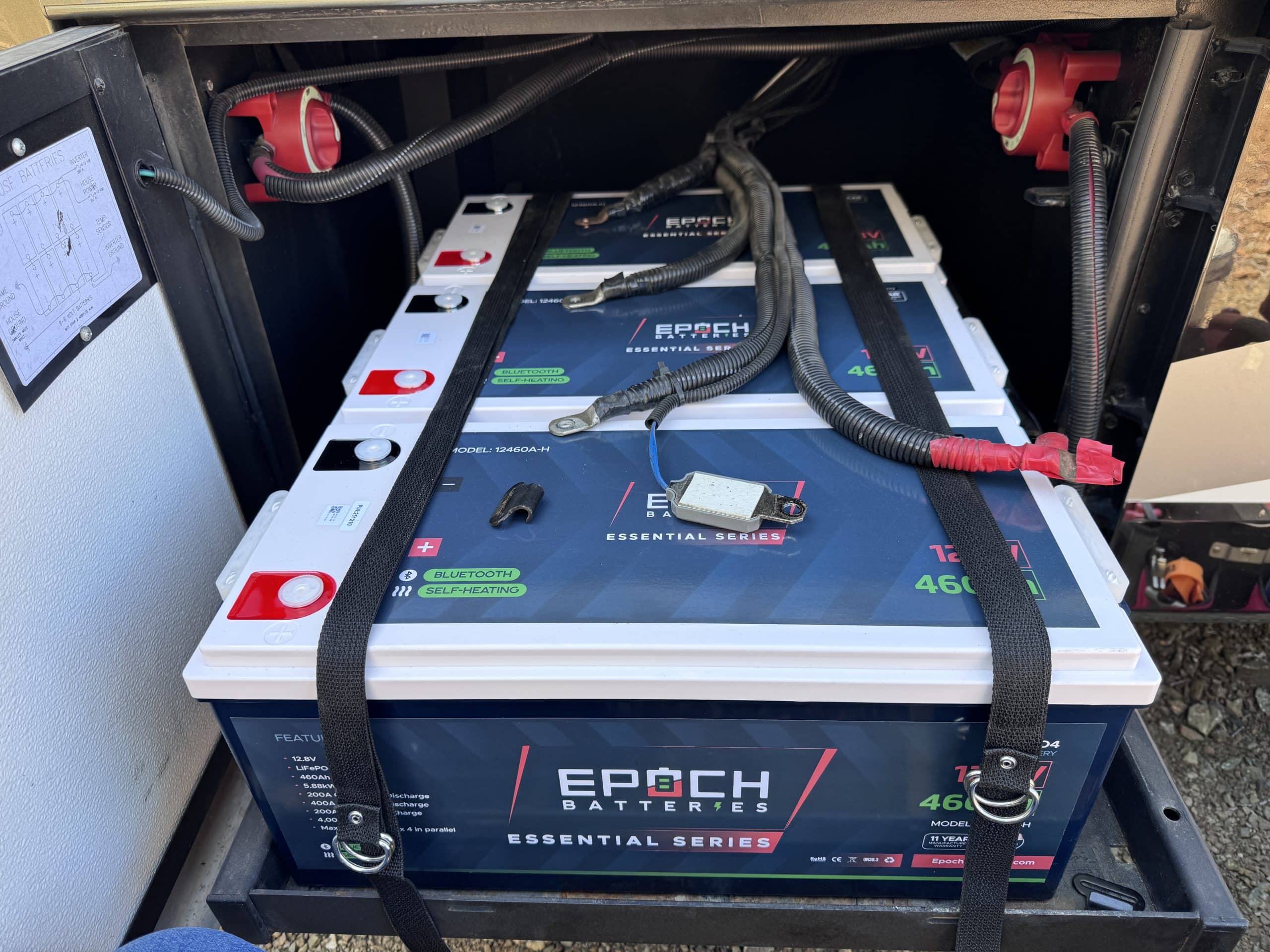
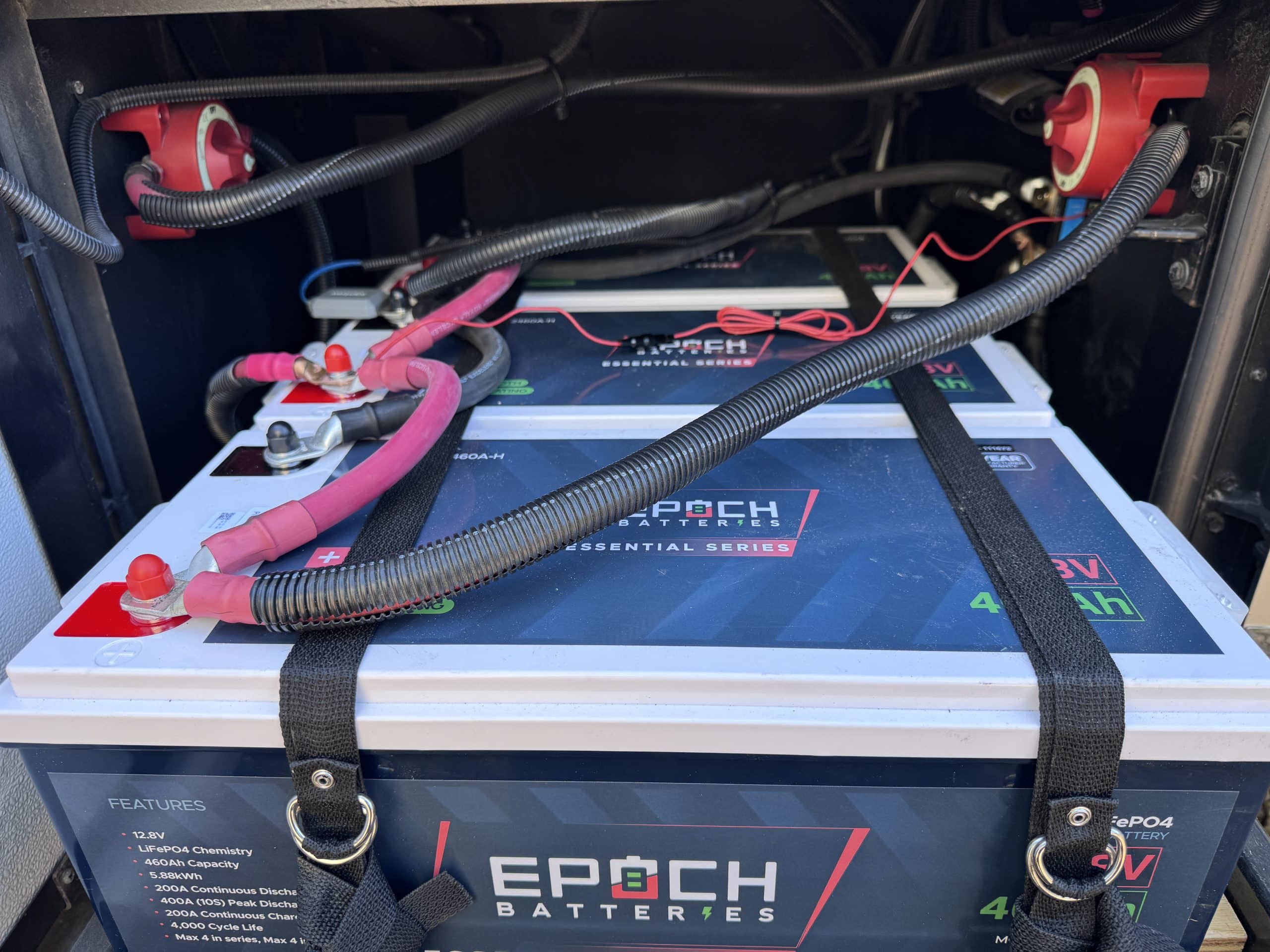
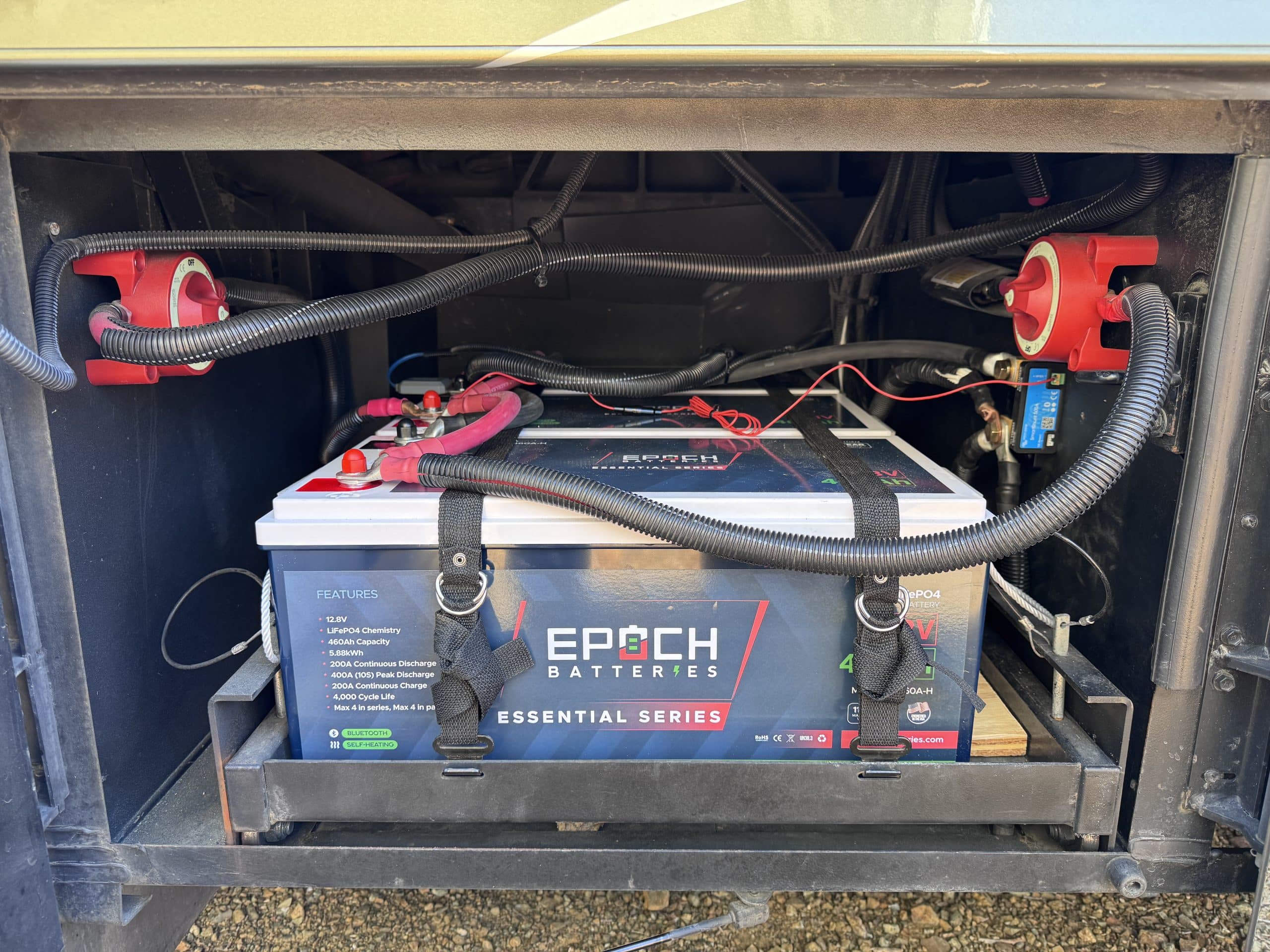
- 3 - EPOCH Essential 460 Amp Hour Lithium Batteries
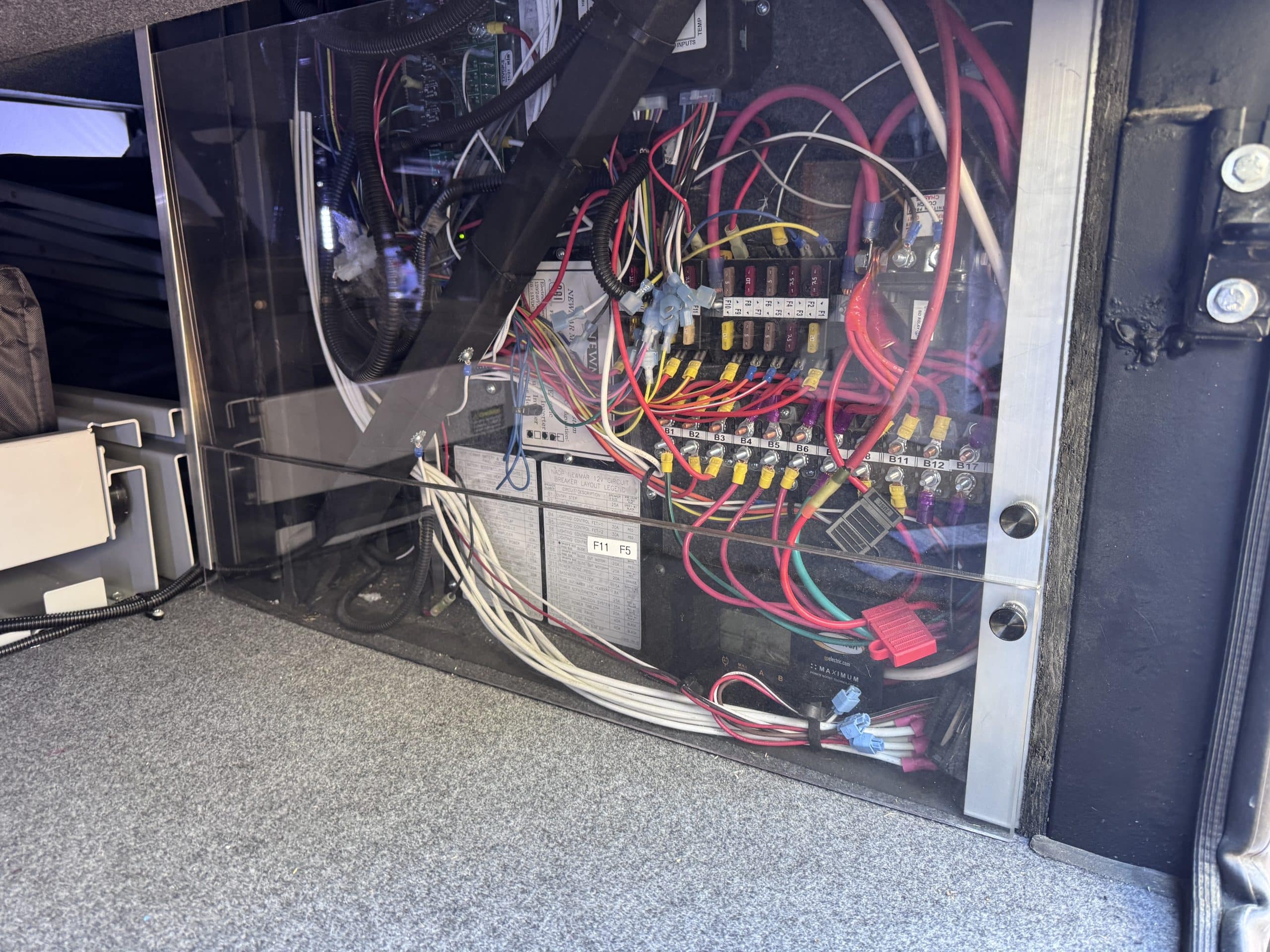
- Factory Installed Xantrex Freedom SW 3012 3000 watt Inverter
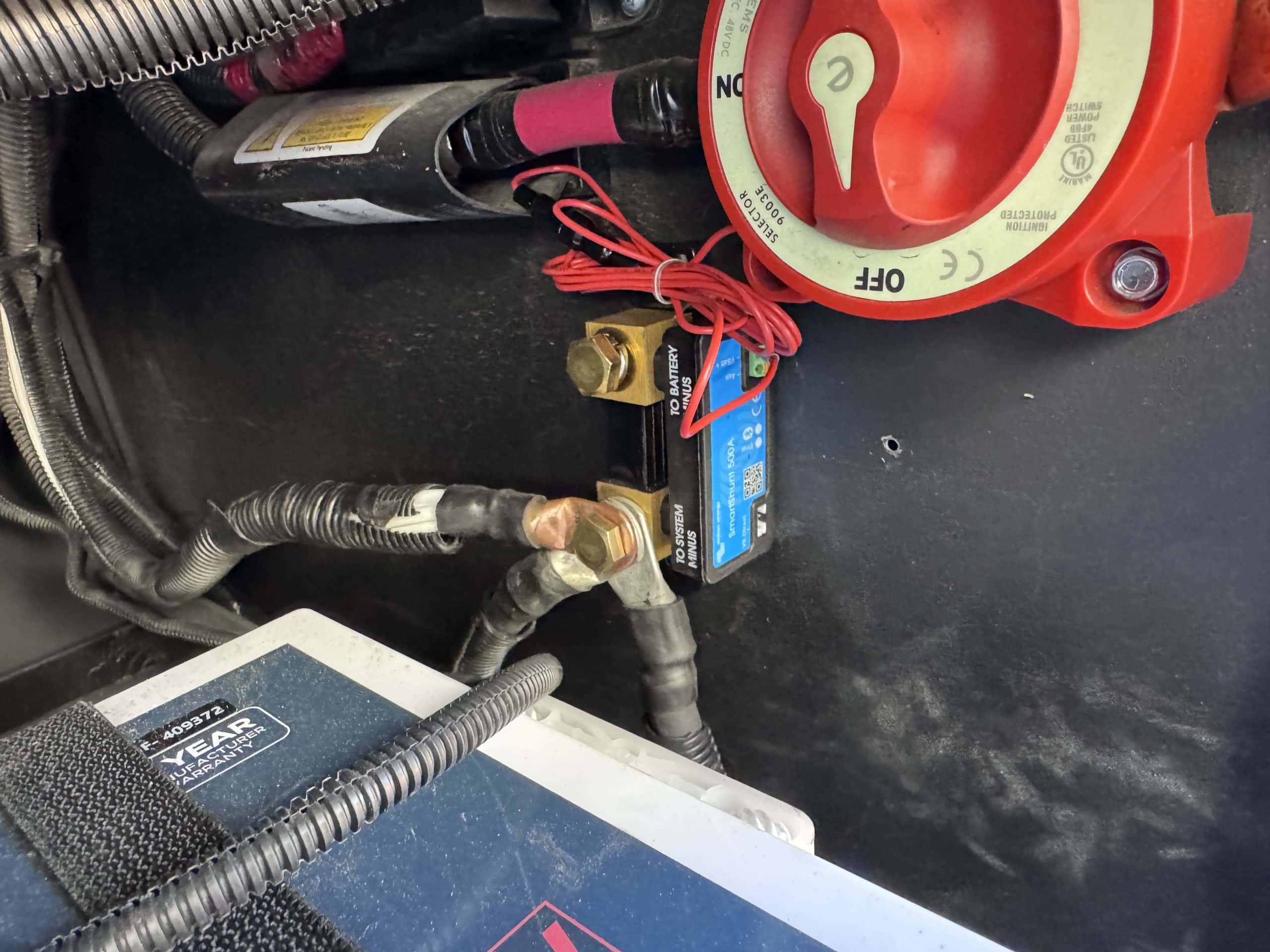
- Victron Energy SmartShunt
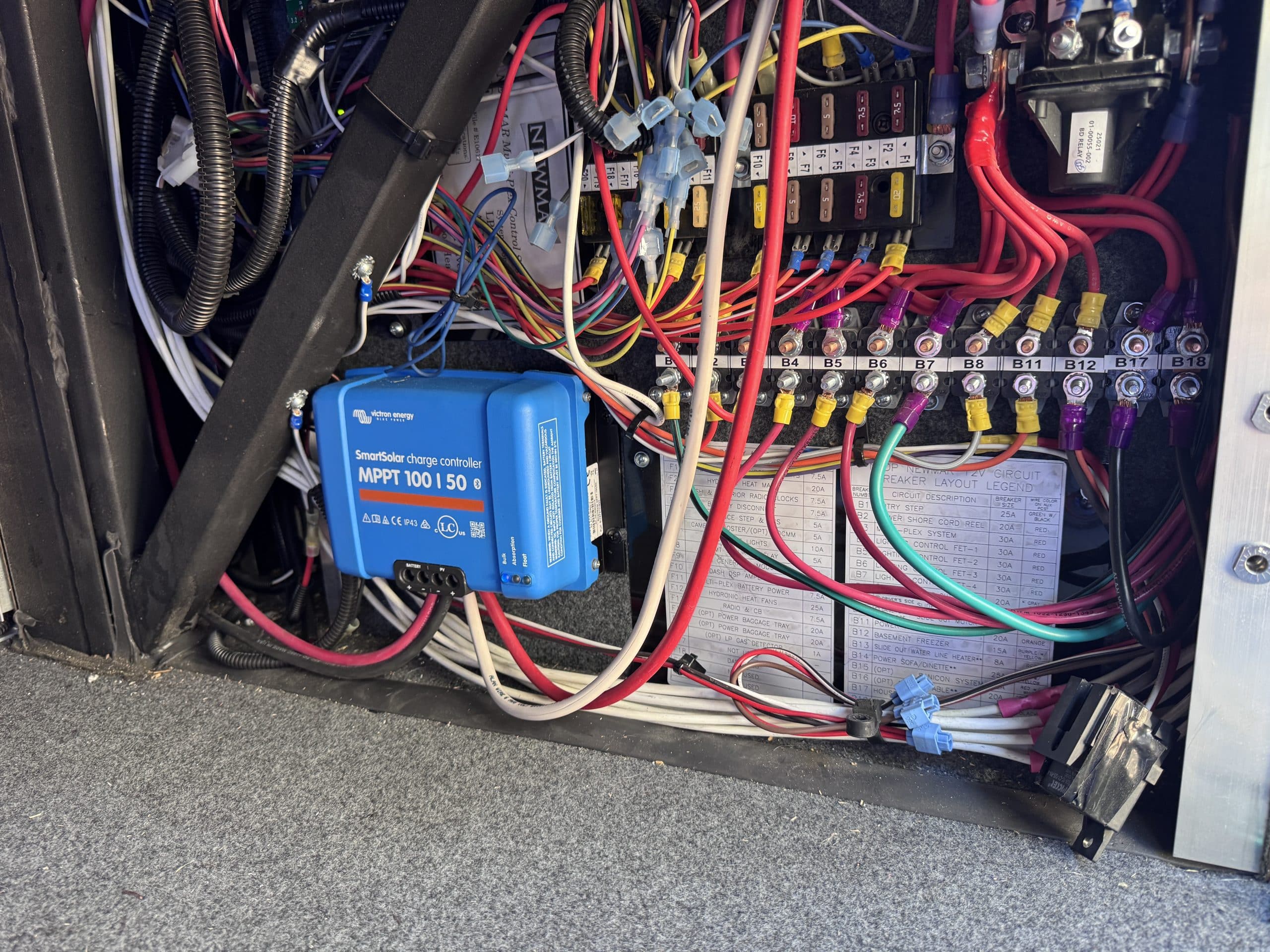
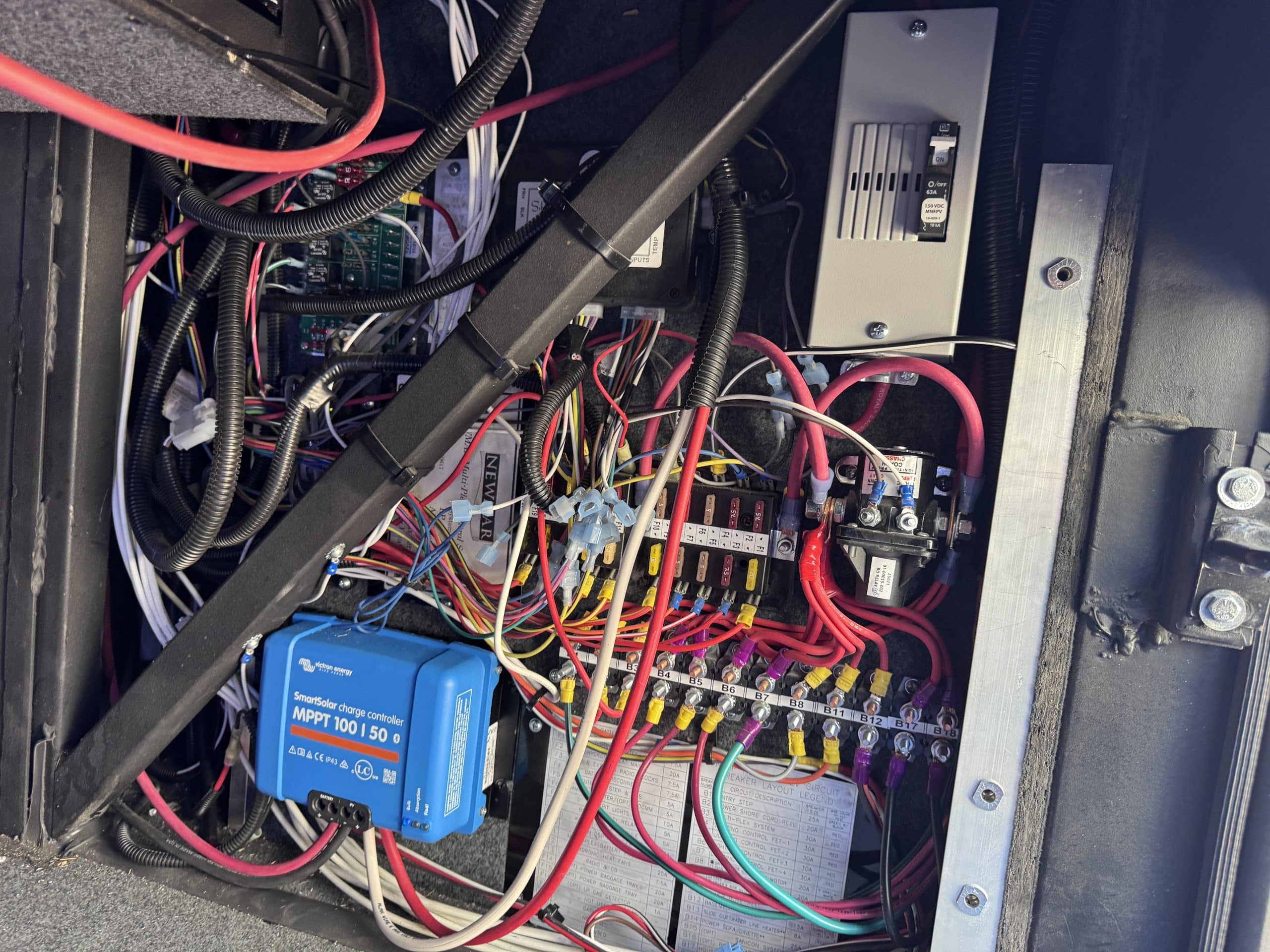
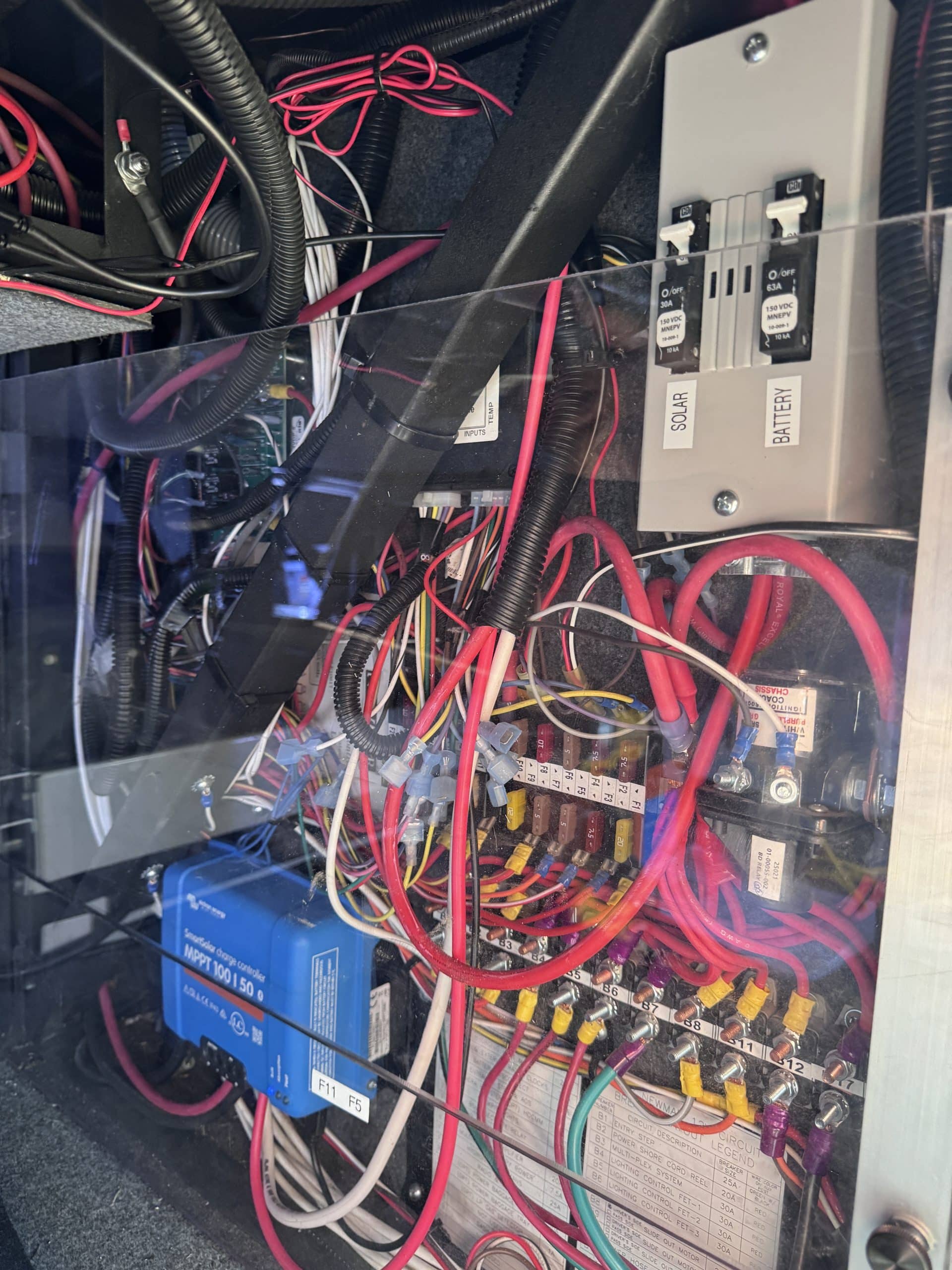
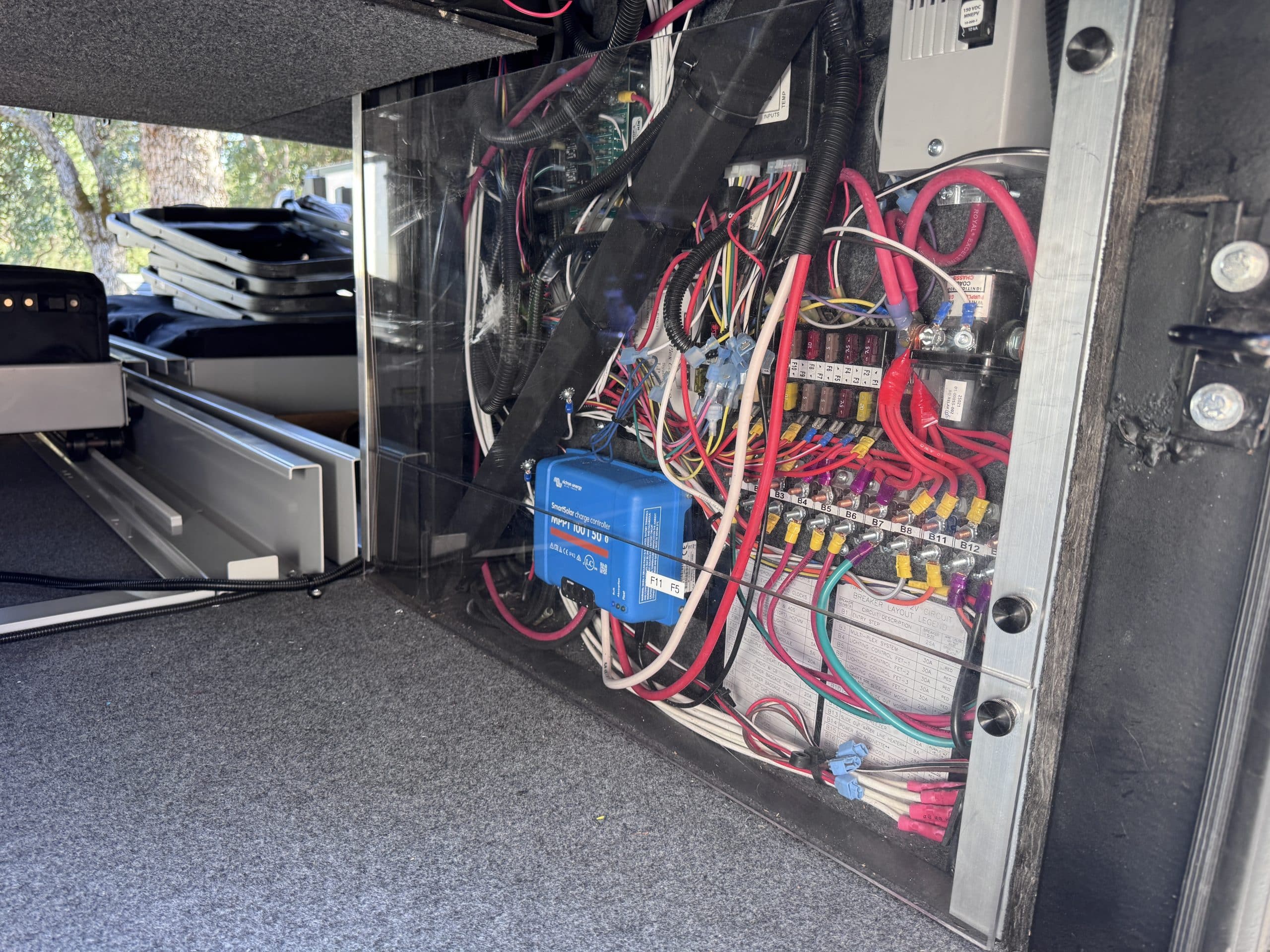
- Victron Energy 100/50 MPPT Solar Controller
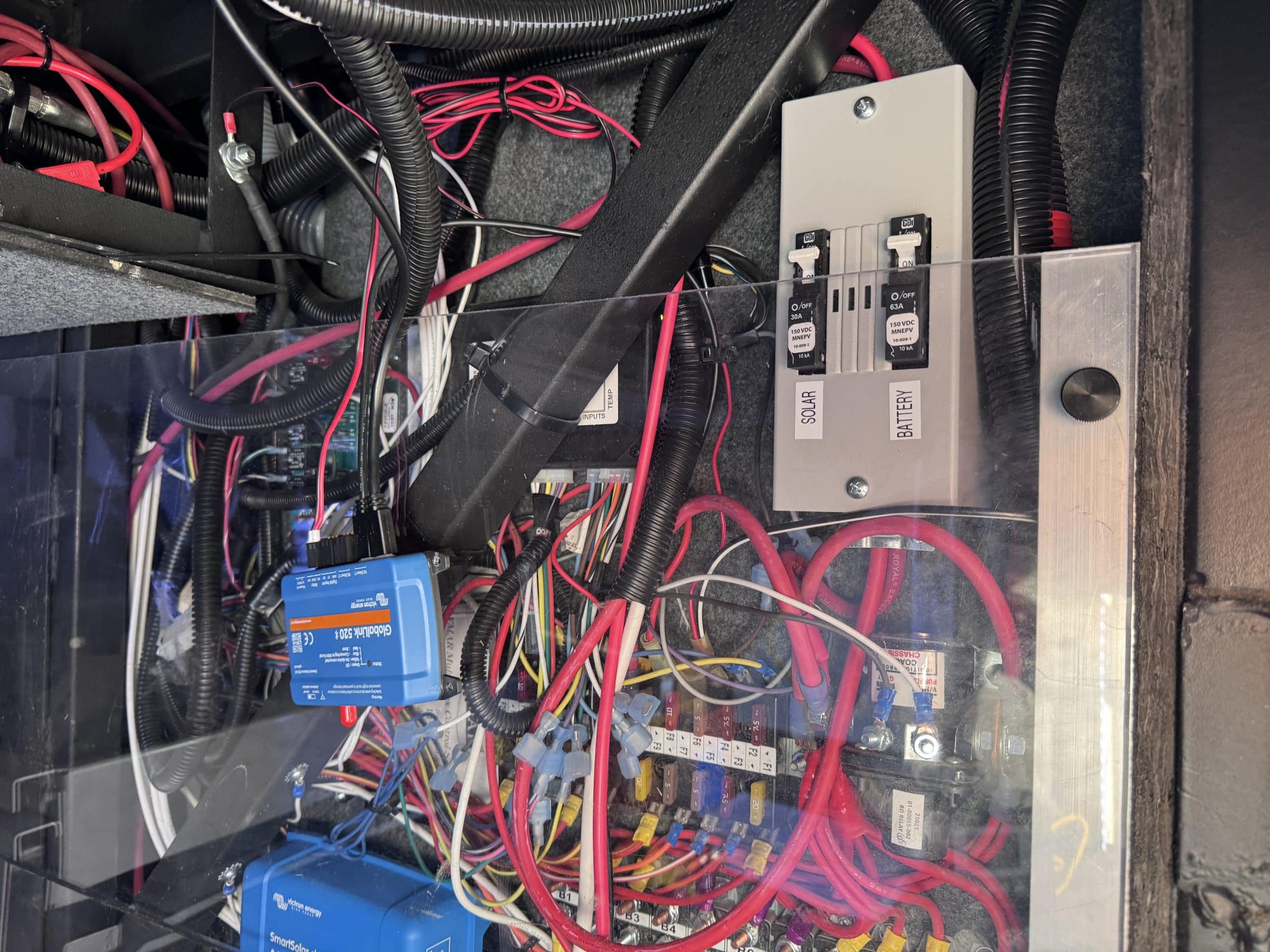
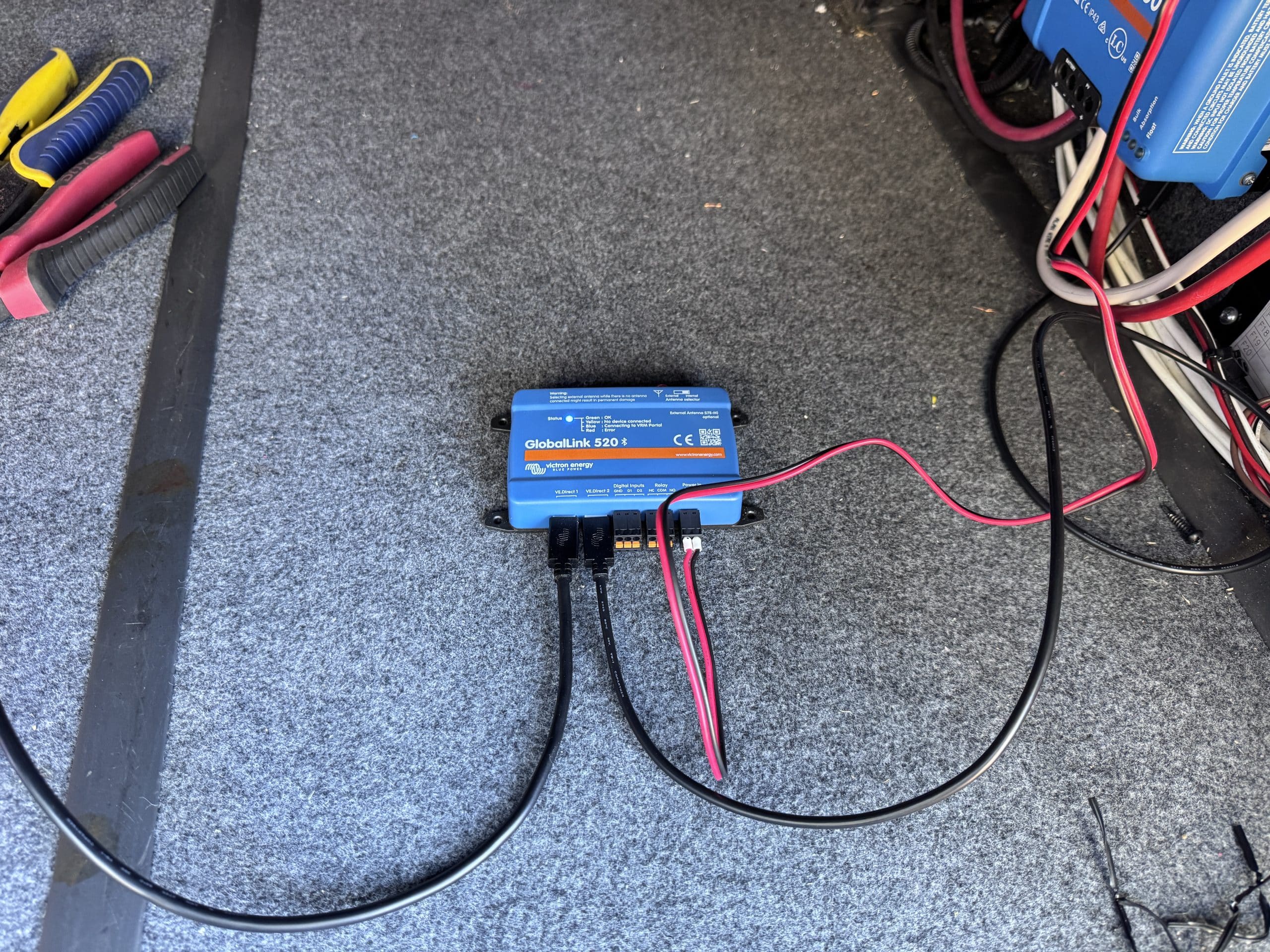
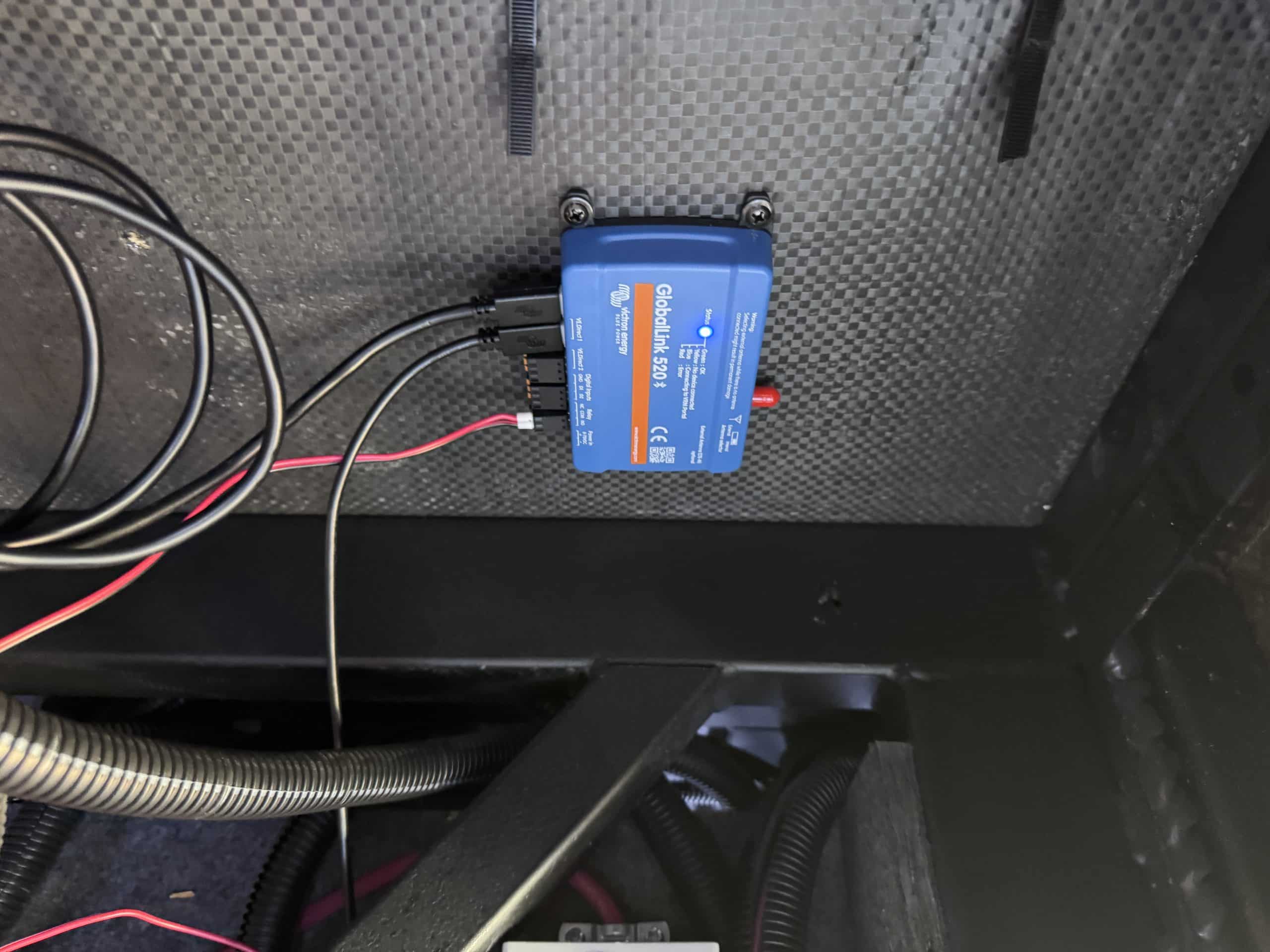
- Victron Energy Global Link 520
- Victron Energy Ve Direct Cables
- Factory Installed Battery Switches
- 3 - Factory installed Solar panles
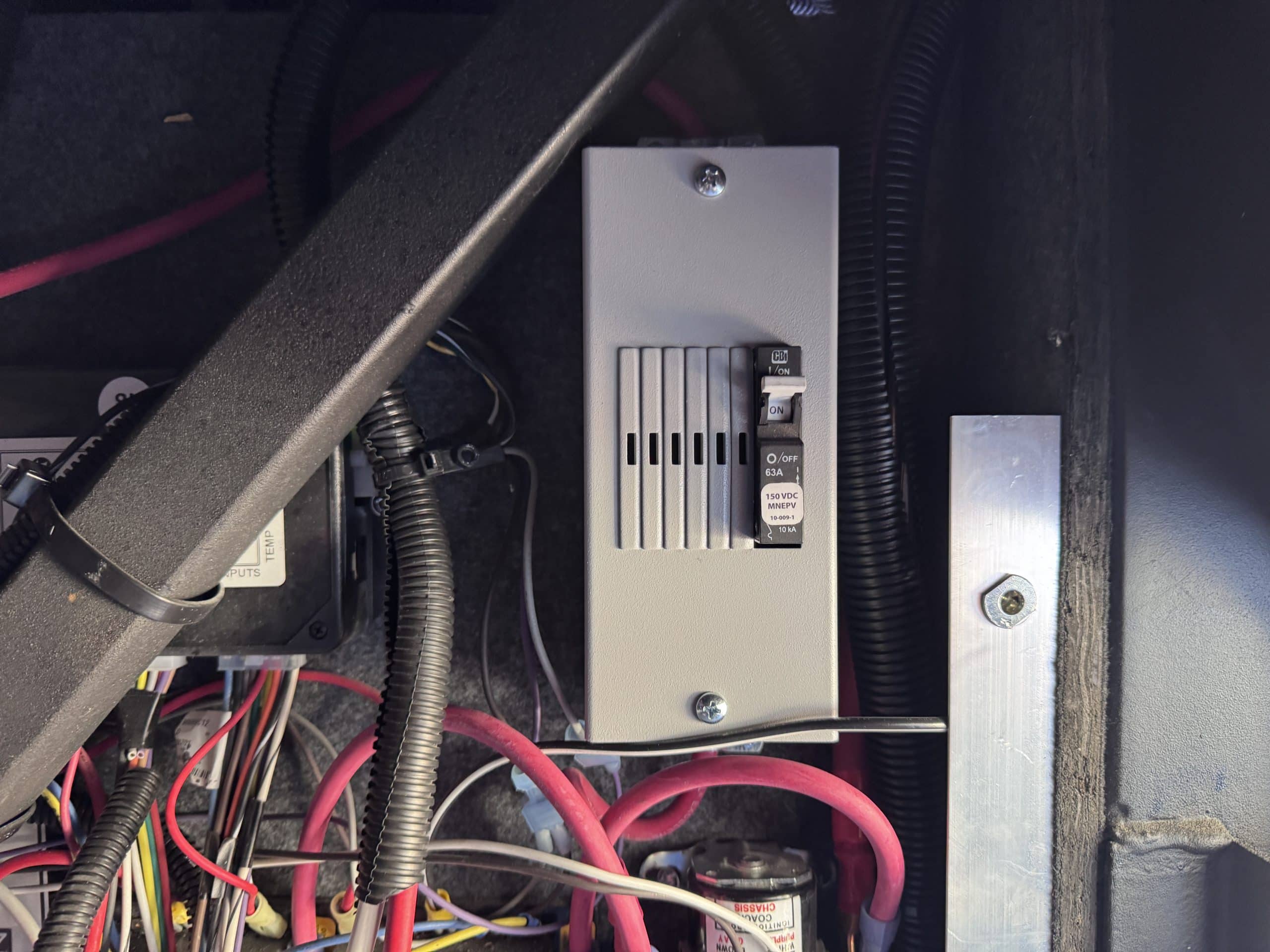
- Midnite Solar Baby Box DIN Rail Breaker Box
- Midnite Solar MNEPV Breakers (63 Amp & 30 Amp)
- 6 Feet of 6AWG Welding Cable - Red
- 5 Feet of 6 AWG Welding Cable – Black
- 3 Feet of 4/0 Welding Cable - Red
- 5.5 Feet of 4/0 Welding Cable – Black
- Red Dual Wall Shrink Tubing
- Black Dual Wall Shrink Tubing
- Various 4/0 Tinned Copper Lugs
- Various 6 AWG Tinned Copper Lugs
- Miscellaneous Fasteners and Connectors
Installation Notes
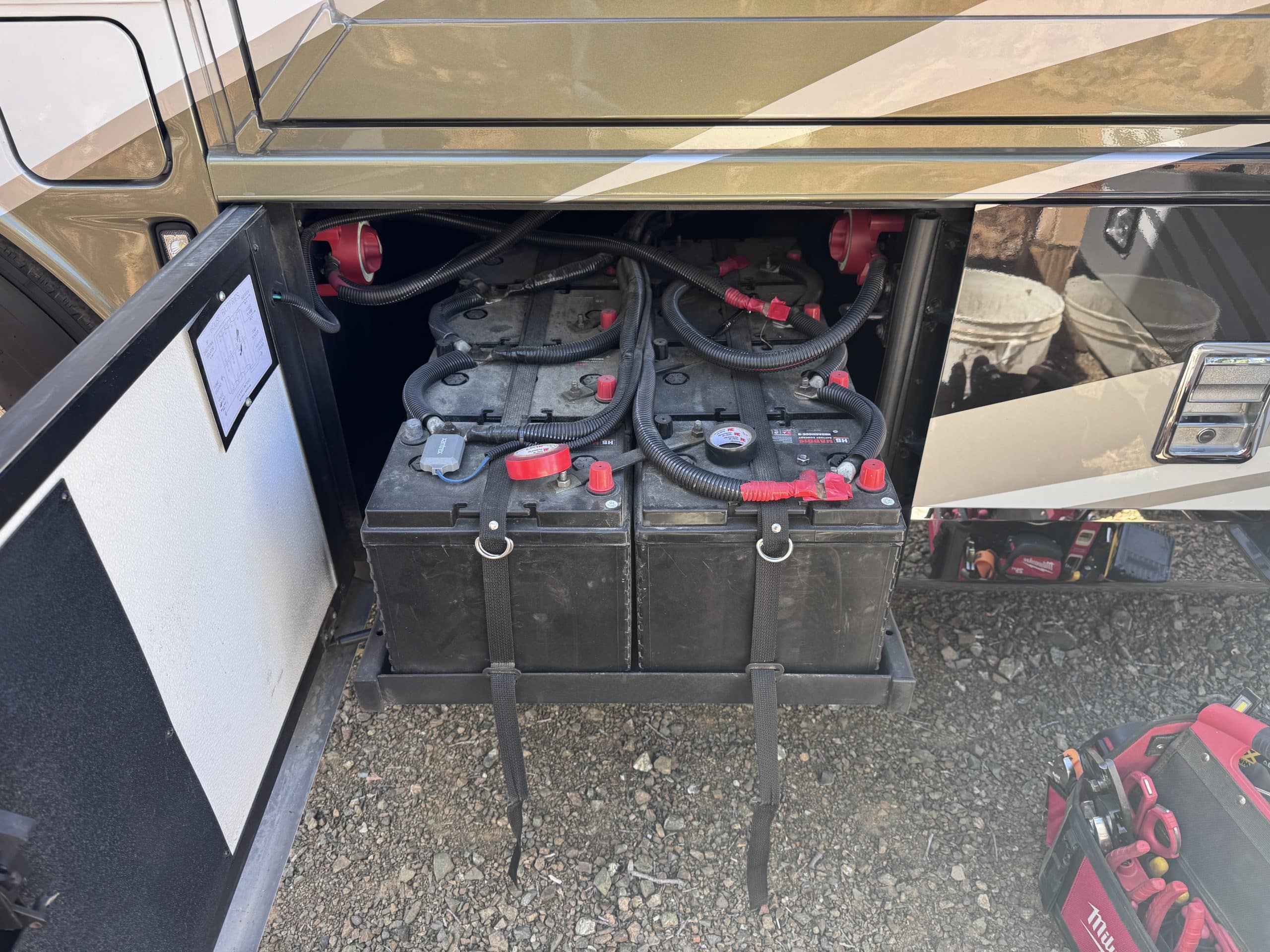
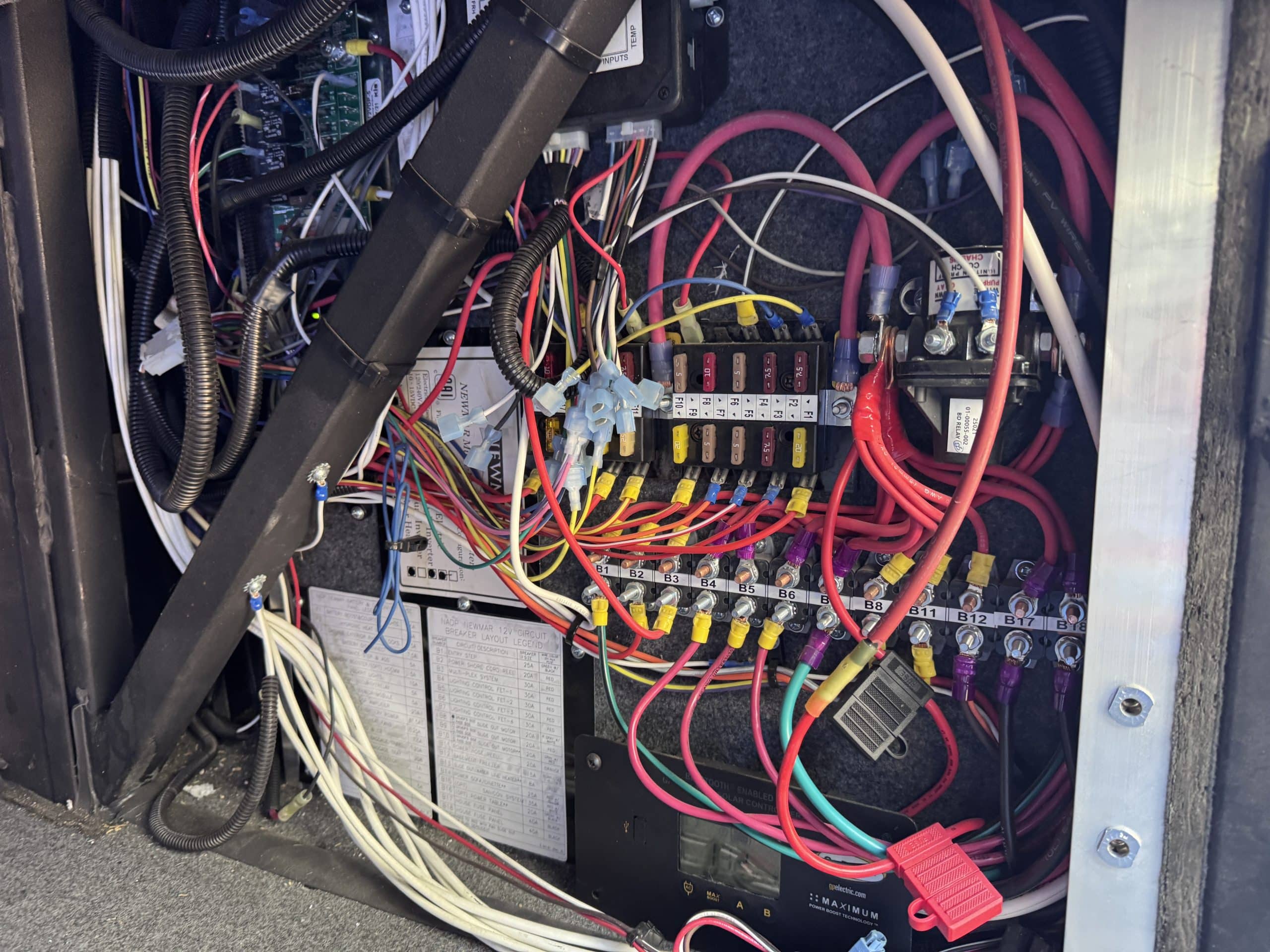
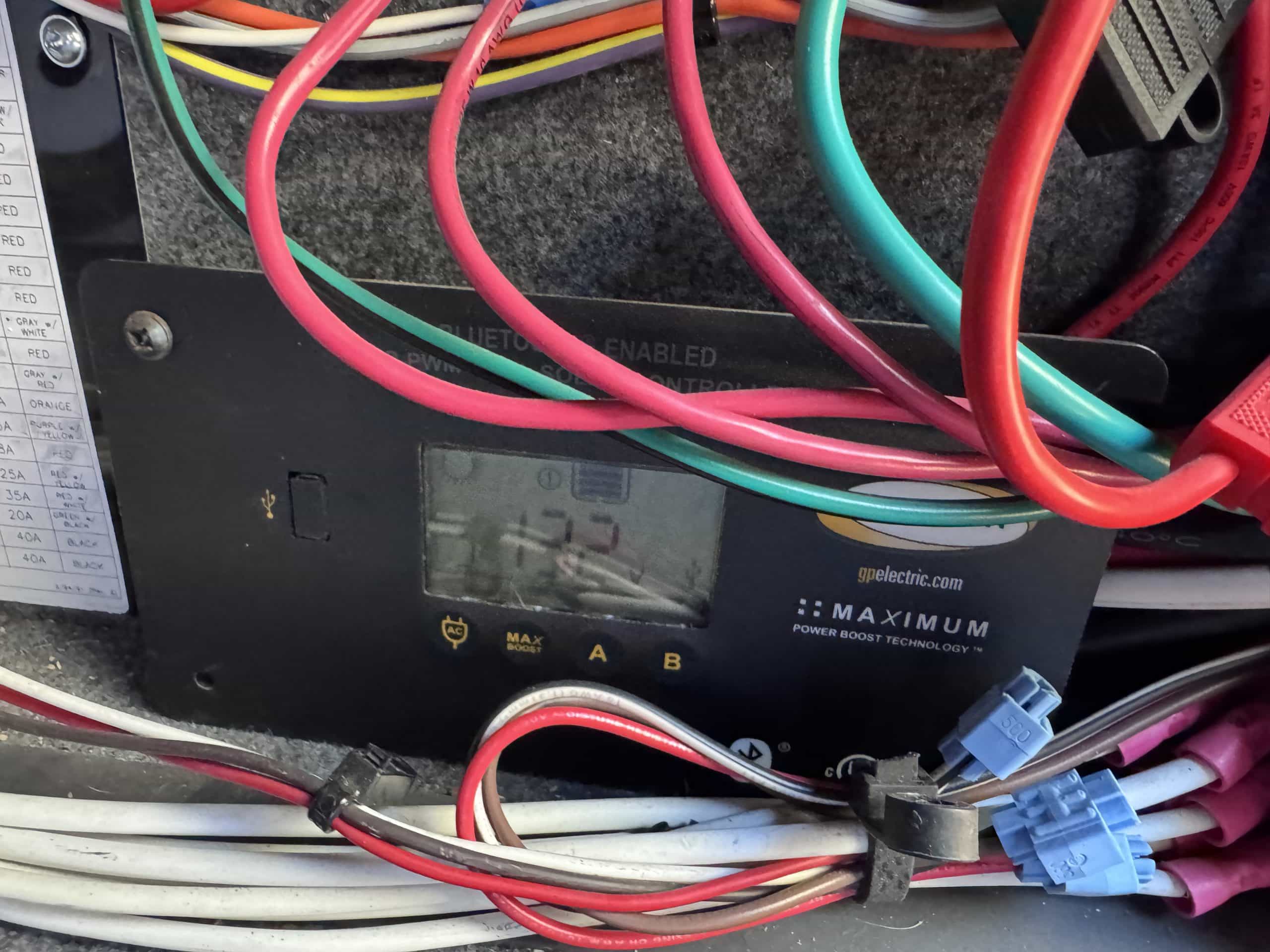
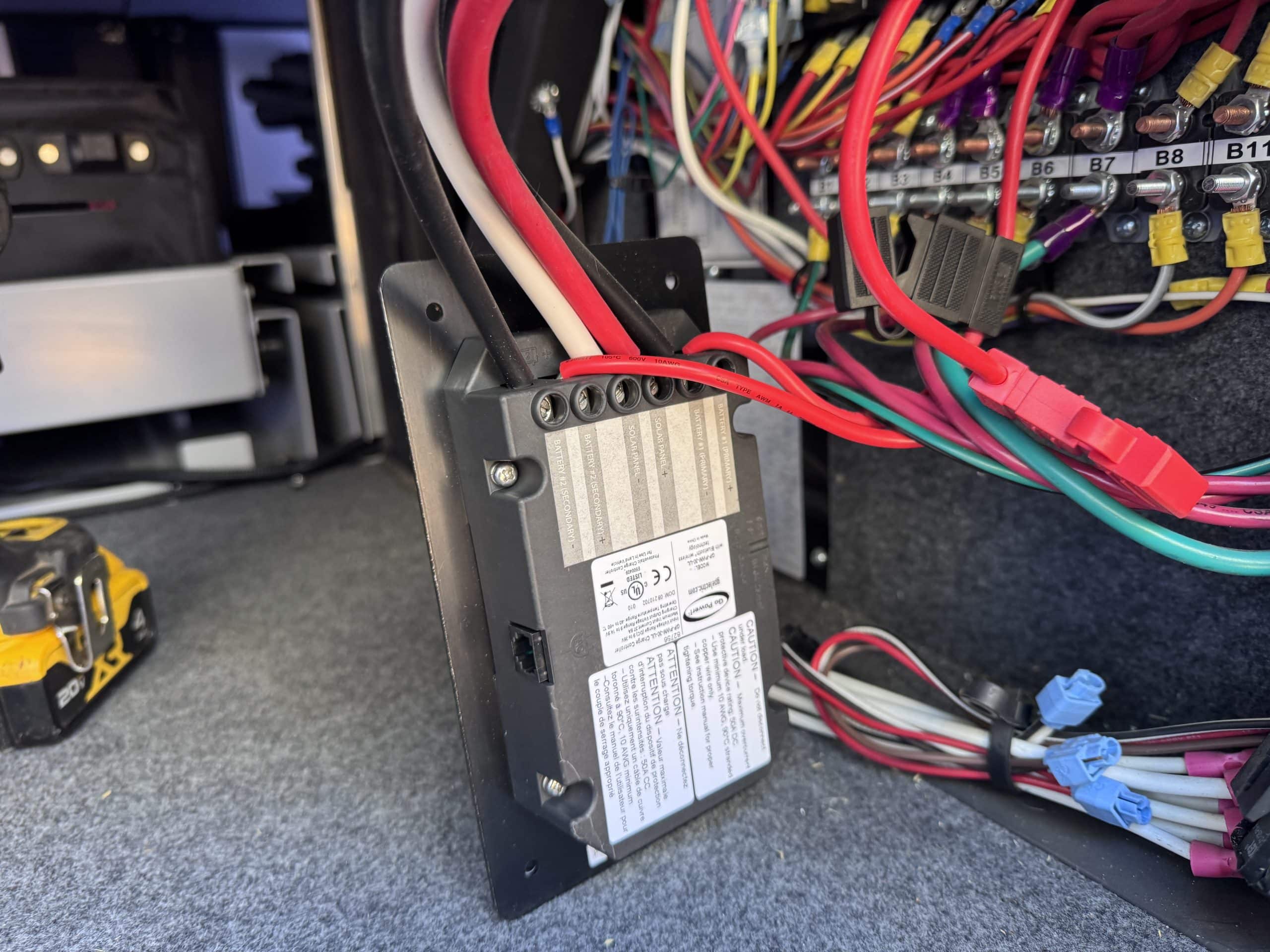
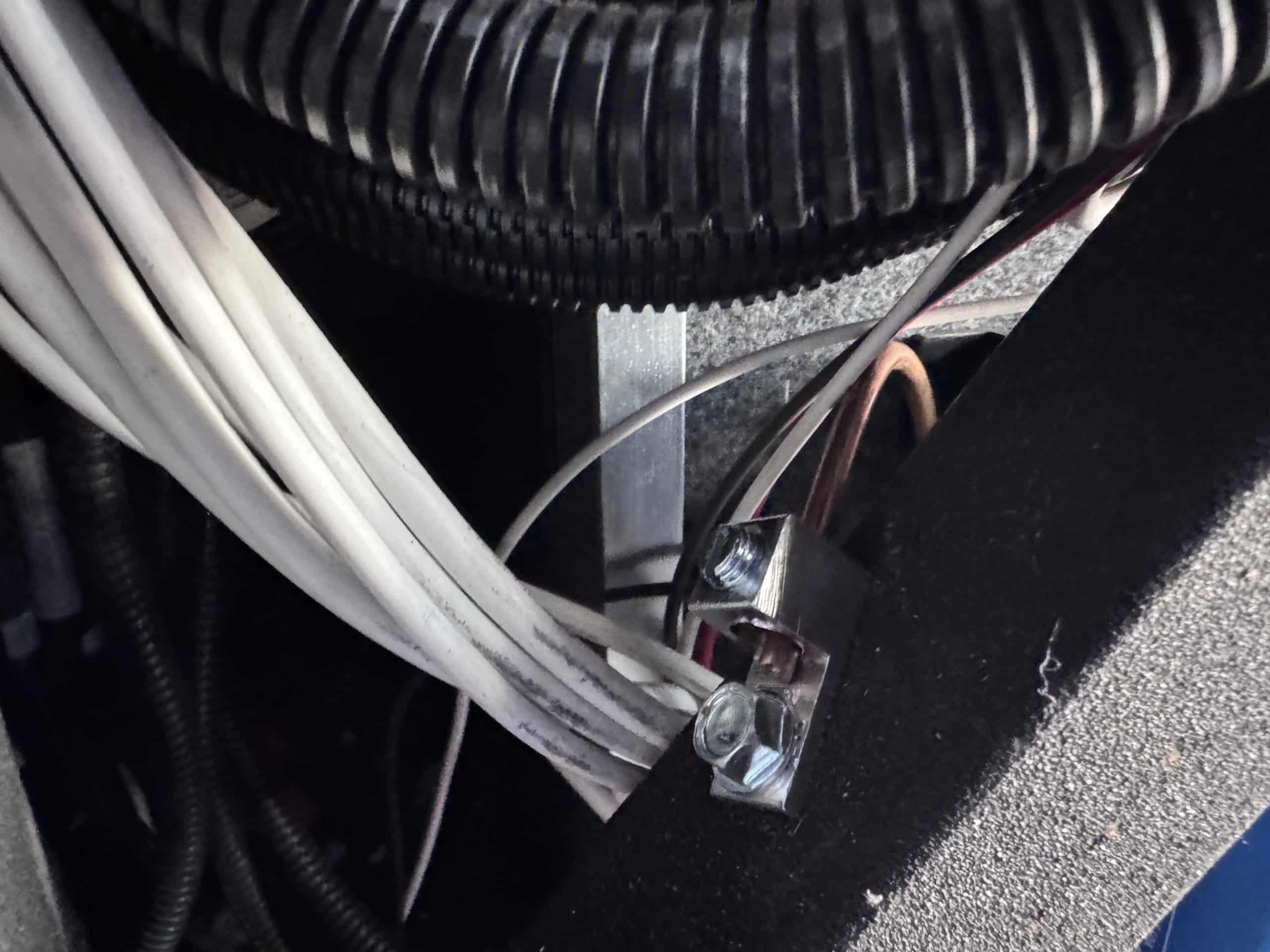
This installation was completed in May of 2026. The owner of this RV recently purchased it new and, based on past RVing experience, wanted to increase the battery capacity of the rig. The RV came from the factory with a Xantrex Freedom SW 3000 watt inverter charger integrated into the on board Silver Leaf control system. The customer wanted to keep this integration, so he did not want to replace it with a Multiplus. The RV also had three factory installed solar panels. The customer had a Victron SmartSolar 100/50 solar controller from a previous installation and he wanted to replace the factory installed solar controller with this unit. He also wanted to add a Victron SmartShunt for additional battery monitoring above and beyond what the existing onboard systems did. The customer was also interested in the ability to remotely monitor the system when it was in storage.
We had several discussions and finally settled on replacing the eight factory installed 6-volt AGM batteries with two EPOCH Essential 460 amp hour batteries. With the battery upgrade, I would install a SmartShunt and swap out the factory solar controller for the customer provided Victron solar controller. We talked about remote monitoring of the systemand ultimately steered away from a Cerbo GX and settled on a Victron Global Link 520. The Cerbo GX is ideal for fully integrated Victron ecosystems, but this system was only going to have two Victron components (a SmartShunt and a SmartSolar), so we decided the Global Link was a better fit. It cost less than a Cerbo and was designed to remotely monitor VE Direct devices like the SmartShunt and SmartSolar controller planned for this system. Once the final design was agreed upon, we set an installation date. We had to wait a few weeks for the installation because the EPOCH batteries were on back order. Once I had all the necessary components, the customer brought the rig to me and I completed the installation. The installation took slightly less than a day to complete. As I was installing the batteries, I discovered the factory battery slide out tray could easily fit three EPOCH Essential 460 amp hour batteries. I contacted the customer and talked with him about this. He ultimately decided to add the third battery as part of the installation. I added the SmartShunt and swapped out the solar controller. As part of the solar controller swap, I added Midnite Solar MNEPV breakers to both the battery and solar side of the solar controller. The factory solar controller simply had a 30 amp in line blade fuse installed on the battery side. Finally, I installed the Global Link 520 and connected it to the SmartShunt and the SmartSolar controller with Victron VE.Direct cables. This was my first experience installing a Global Link. The installation itself was very easy and straightforward. The device comes with 5 years of pre-paid LTE data on a factory installed SIM. Unfortunately, that data was on the AT&T network and my shop is in a bit of an AT&T dead zone. This posed a bit of a problem getting the device connected to VRM, but I was eventually able to make a connection long enough to tie the device to a VRM account and invite the customer to that account.
Once the installation was complete, the customer returned to pick up his rig. I spent a little time going over the installation with the customer and getting him connected to the devices with the Victron Connect app and also getting him set up with a VRM account. I added a VRM widget to his phone to give easy access to the system remotely at a glance.